Attendance tracking is an essential function of any business or organization. Whether you’re tracking employee attendance, student attendance, or event attendance, the right attendance tracking software can make the process easier and more efficient. But with so many options on the market, how do you find the perfect attendance tracking software for your needs? In this blog post, we’ll walk you through 12 steps to help you find the perfect attendance tracking software.
Identify Your Needs
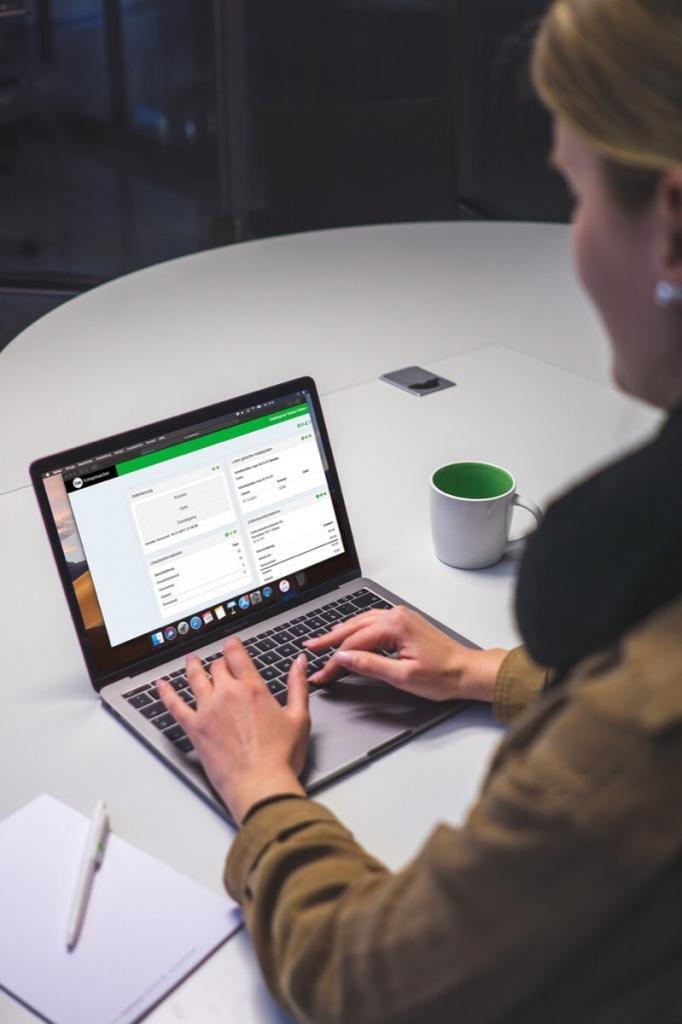
The first step in finding the perfect attendance tracking software is to identify your needs. What type of attendance are you tracking? Will you need to track attendance for employees, students, or event attendees? What specific features do you need? Do you need a mobile app, automated timekeeping, or reporting and analytics capabilities? Make a list of your must-have features to help narrow down your search.
Research Your Options
Once you’ve identified your needs, start researching your options. Look for attendance tracking software solutions that offer the features you need. Read reviews, compare pricing and check out demos or free trials. Take the time to learn about each option to help you make an informed decision.
Consider Integration
If you already have other software solutions in place, consider how the attendance tracking software will integrate with your existing systems. Look for software that integrates with your HR or payroll software to make the process smoother and more efficient.
Check for Mobile Accessibility
In today’s mobile-first world, it’s important to choose an attendance tracking software that offers mobile accessibility. This allows employees, students, or event attendees to easily access their attendance records from their mobile devices, making the process more convenient and efficient.
Look for Automated Timekeeping

Automated timekeeping is an essential feature of attendance tracking software. Look for software that automates the timekeeping process to reduce errors and improve accuracy. This can save time and money in the long run.
Evaluate Reporting and Analytics Capabilities
Attendance tracking software should offer reporting and analytics capabilities to help you track attendance trends and identify areas for improvement. Look for software that offers customizable reporting options and analytics tools to help you make data-driven decisions.
Consider Customization
Customization is an important factor to consider when choosing attendance tracking software. Look for software that can be customized to meet your specific needs. This may include custom fields, reports, and dashboards.
Review Workflow Automation
Workflow automation can help streamline the attendance tracking process and reduce the risk of errors. Look for software that offers workflow automation capabilities, such as automatic notifications and alerts, to keep you on track.
Check for Safety and Compliance Features
If you’re tracking attendance for employees, it’s important to choose software that includes safety and compliance features. Look for software that complies with labor laws and regulations, such as the Fair Labor Standards Act (FLSA), and includes safety features such as OSHA compliance.
Look for Customer Support
When choosing attendance tracking software, look for a provider that offers excellent customer support. This includes online help documentation, user forums, and live support options such as phone, email, and chat.
Consider Pricing
Price is always a factor to consider when choosing software. Look for attendance tracking software that fits your budget while still offering the features and functionality you need. Be sure to factor in any additional costs, such as setup fees, training, or support.
Test it Out
Lastly, before making a final decision, test out the attendance tracking software. Many software providers offer free trials or demos to allow you to try out the software before committing. Take advantage of these options to ensure the software meets your needs and is user-friendly.
In conclusion, finding the perfect attendance tracking software requires careful consideration of your specific needs, features, integration, mobile accessibility, automated timekeeping reporting and analytics capabilities, customization, workflow automation, safety and compliance features, customer support, pricing, and testing. By following these 12 steps, you can narrow down your options and find the perfect attendance tracking software that meets your needs, improves your workflow, and ultimately saves you time and money. Remember to take the time to research your options, evaluate each software’s features, and test it out to ensure it’s the right fit for your organization. By choosing the right attendance tracking software, you can improve your overall attendance tracking process, reduce errors, and gain valuable insights to help you make data-driven decisions.